What Should a Business Put on Its Screen First?
You’ve got a TV in the waiting area and a dozen things you could put on it. A new service, your hours, a special offer, a welcome message, maybe the staff holiday photo from three years ago that somebody still loves.
Picking the first few messages doesn’t have to turn into a committee meeting. Start with what customers need to know while they’re already in your business.
Begin with the questions you hear most
Think about the questions customers ask again and again. Those are clues about what would be useful on your screen.
A hair salon might get asked whether it offers bang trims between appointments. An auto shop might hear, “Can I leave my keys here after you close?”
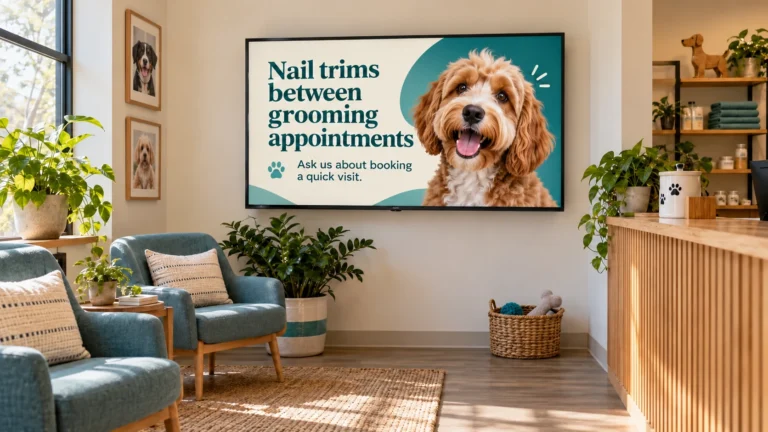
Choose one question and answer it plainly. A grooming salon’s graphic could say:
Need a quick nail trim between grooms?
Ask us about booking a short visit.
That gives customers the basic information and a next step. If they need more details, they can ask someone at the counter. Your TV doesn’t have to handle the whole conversation.
Add practical information customers need
Some messages help customers know what to expect, especially when the information is easy to miss elsewhere.
A veterinary office could remind visitors of its leash or carrier policy. A café might display updated holiday hours so customers know when it’s open.
If the information changes often, make a note to update the graphic when it does. Otherwise, you might end up with a screen cheerfully announcing hours from a holiday that passed three months ago. Time flies; outdated signage does not.
Choose one service or offer to feature
Your screen can introduce customers to something they may not know you offer. Pick one service, product, or seasonal special and give it its own graphic.
A salon could feature a conditioning treatment. An auto shop might explain a service customers sometimes overlook, such as tire rotation. Keep the wording straightforward: name the service, briefly explain it, and give people a next step, like asking a staff member or booking an appointment.
If you have several offers, give each one its own slide and rotate them over time. That way, each gets room to be seen without cramming the whole menu onto one screen.
Don’t forget the welcome
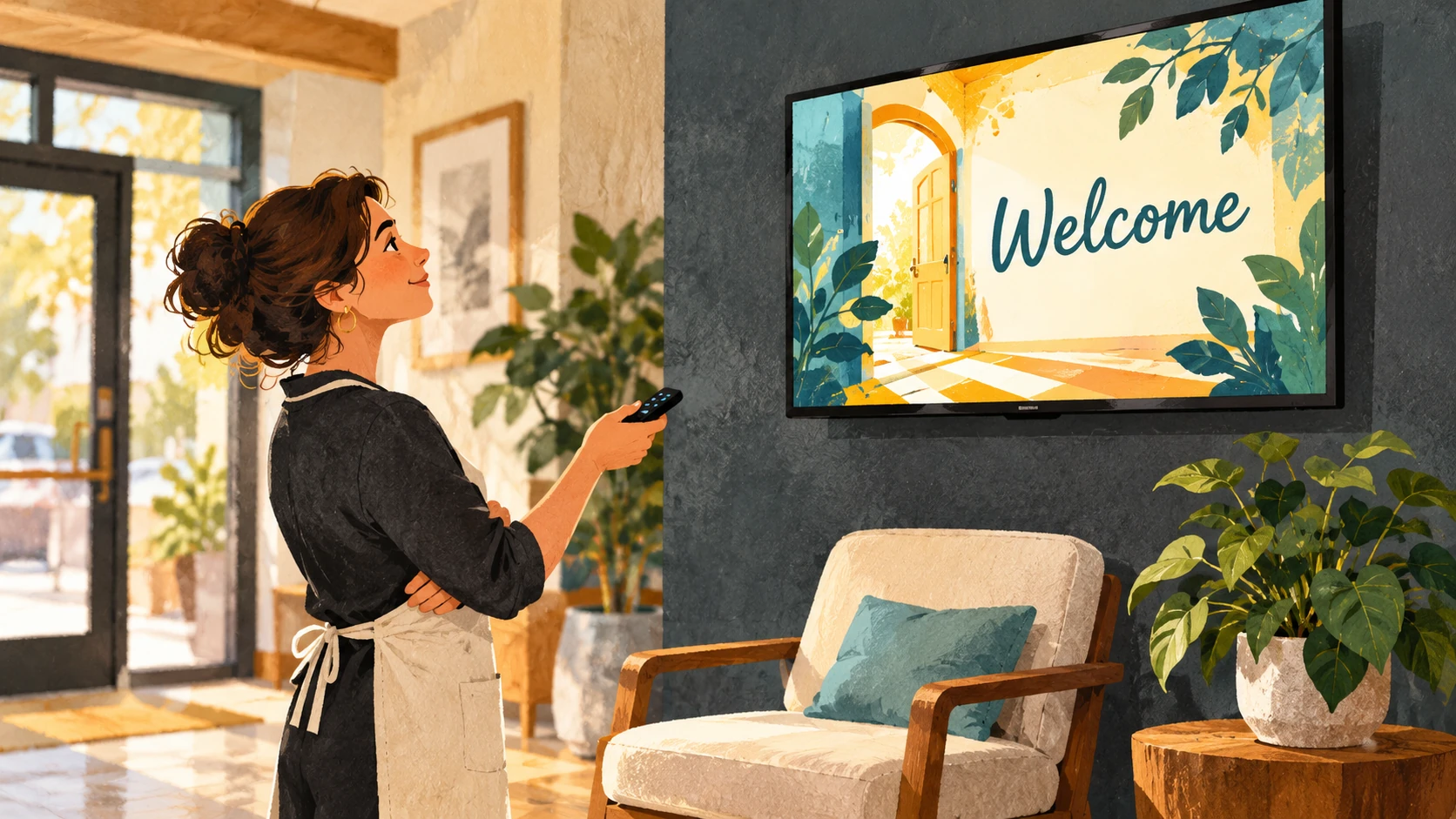
Not every screen has to sell something or explain a rule. A simple welcome can make the space feel more personal, especially if you include a photo of the team, your shop, or the kind of work you do.
Keep it brief and make sure it sounds like your business. If you’d greet someone with “Hi, glad you’re here,” a stiff, formal welcome may feel a little like it wandered in from another company.
Start small and adjust as you go
You don’t need to fill every minute with a different message. Try a welcome, one useful reminder, and one service or update. Replace a message when the information changes or you have something new to share.
Lobby Looks creates custom graphics for lobby TVs, waiting-room screens, and in-store displays. I’m based in Rhode Island, and I’d be glad to help you choose a few useful messages to get started.